Store Location
Choose Your Store
You are currently in the Australian store. If you are located in New Zealand please select the correct store below.

You are currently in the Australian store. If you are located in New Zealand please select the correct store below.

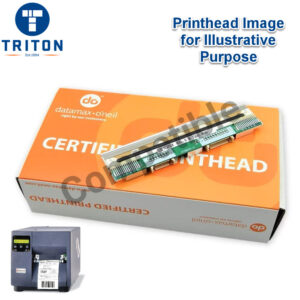
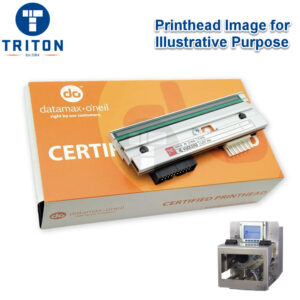
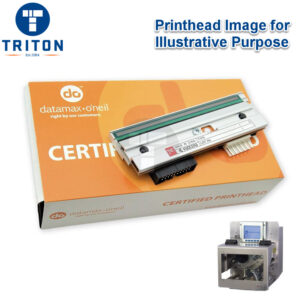
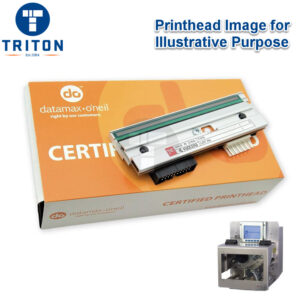
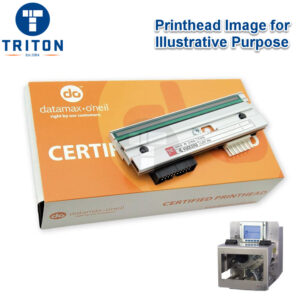
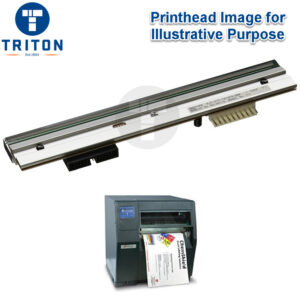
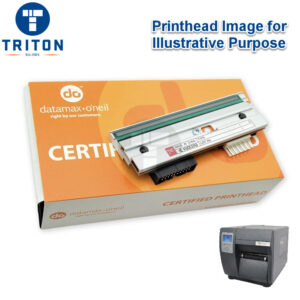
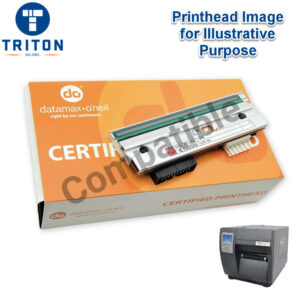
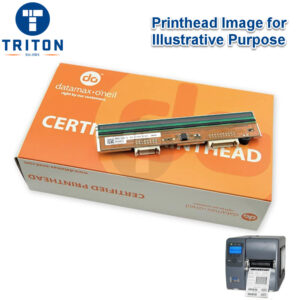
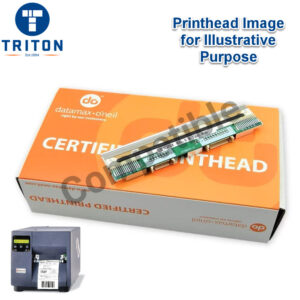
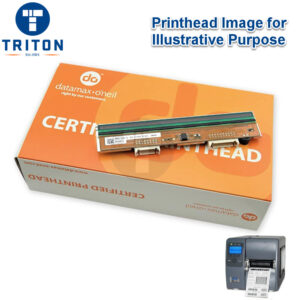
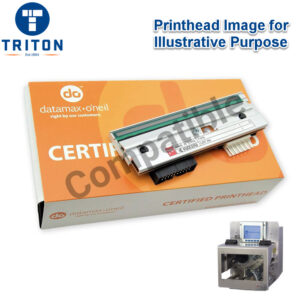
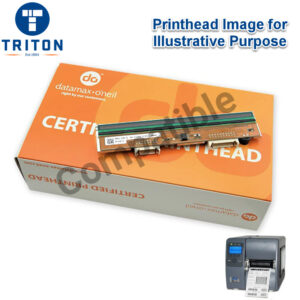
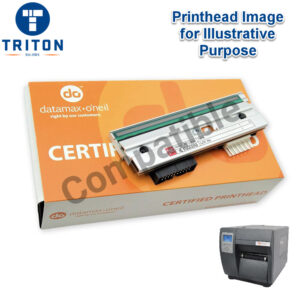
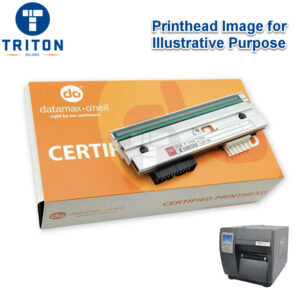
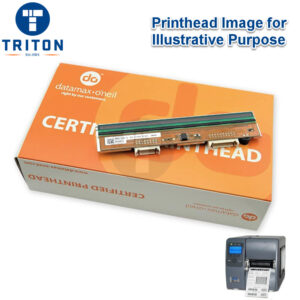
For all your Datamax Thermal Printhead needs, look no further than Triton’s huge in-stock range of Datamax M-Class MKII, I-Class MKII and A-Class MKII thermal printheads.
See our guide on how to get up to 90% more life out of your Datamax thermal printhead with four simple practices, and a number of instructional videos on how to change a Datamax printhead for M-Class and I-Class, and how to adjust printhead pressure for all Datamax printers.
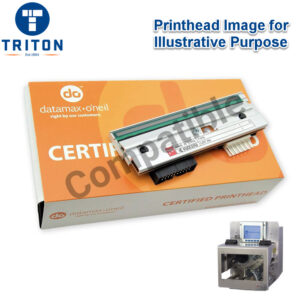
Triton also stocks a range of compatible printheads which we have carefully selected for premium quality. Check out some FAQ’s with the button below.

In this video you will find detailed instructions on how to change a Datamax M-Class Printhead.
In this video you will find detailed instructions on how to change a Datamax I-Class Printhead.
In this video you will find detailed instructions on how to adjust the pressure of a Datamax Printhead.


Melbourne
Brisbane
Phone 1300 558 438
Live Chat – Widget below
Melbourne
Brisbane
Phone 1300 558 438
Live Chat – Widget below
Christmas and New Years Hours
🎉 Happy Holidays from all of us at Triton Store! 🌟
As we bid farewell to another amazing year, we’re taking a short break to recharge and celebrate with our loved ones. Our store will be on a holiday pause from 23rd December until 12th January.
But worry not! You can still place your orders during this period, and we’ll be ready to spring into action and process and ship them promptly starting 12th January.
We appreciate your understanding and can’t wait to serve you in the new year. Here’s to a fantastic holiday season and a brilliant start to the new year! 🥳